 CJ Streams.
Home / Tiempo Extra
Interactive overlay / 002
Tiempo Extra.
A Twitch and Kick subathon timer. Each subscription, gift, Bits cheer, KICKs gift or follow adds time, while the timer counts down as you stream.
Available on Ko-fi
€24.90pay what you want · one-time purchase
One-time purchase. Purchase and download through Ko-fi.
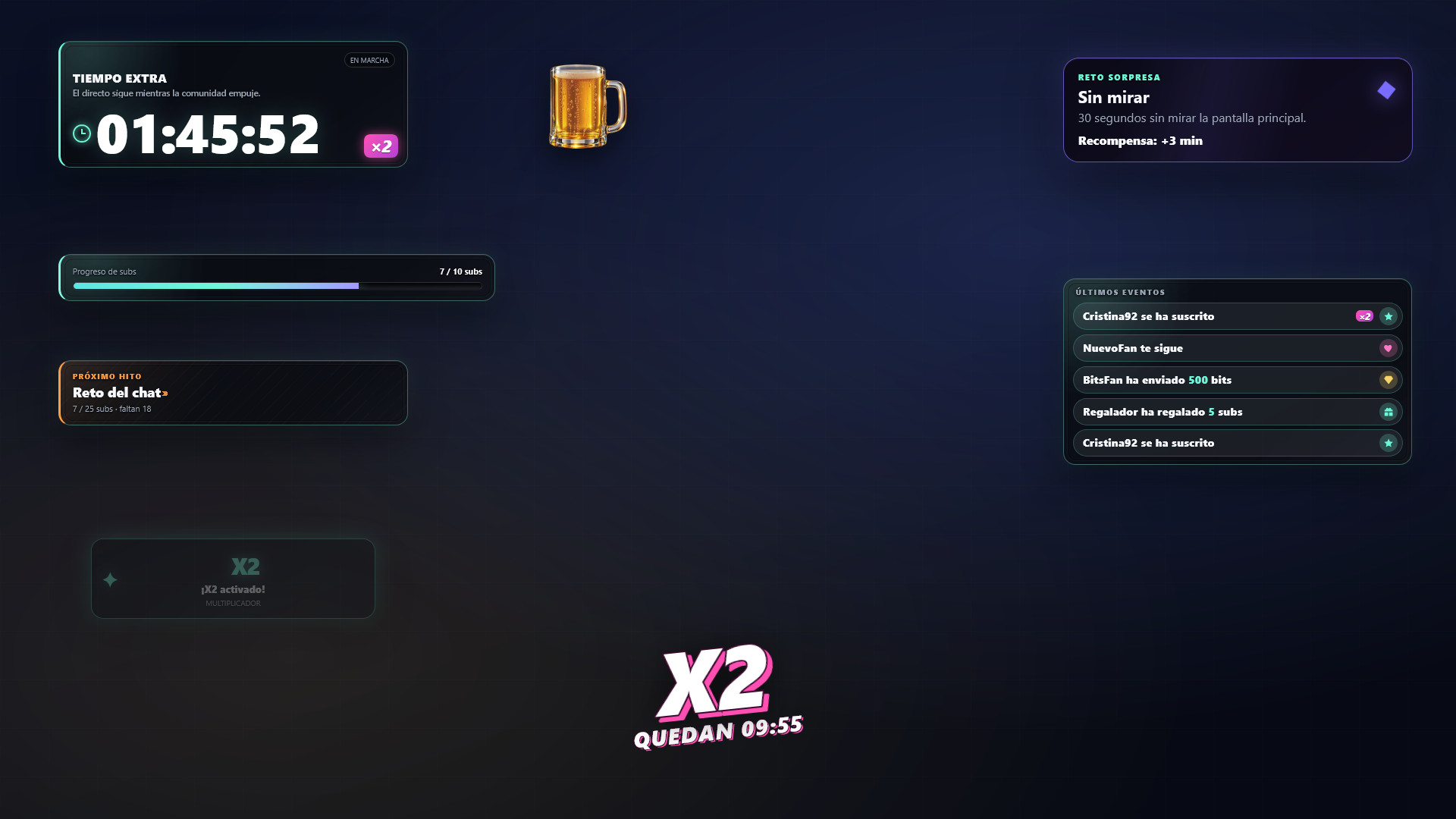
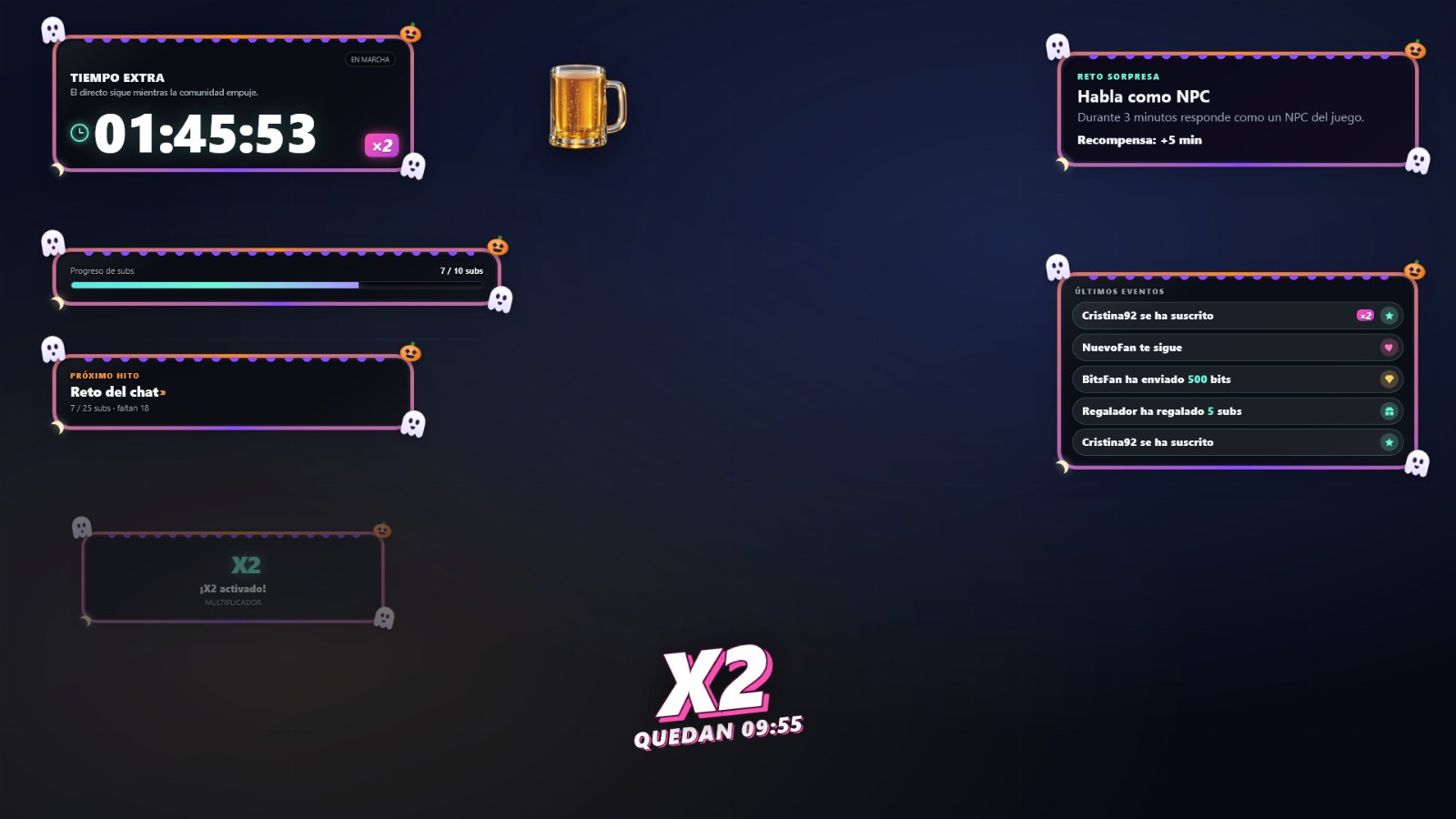
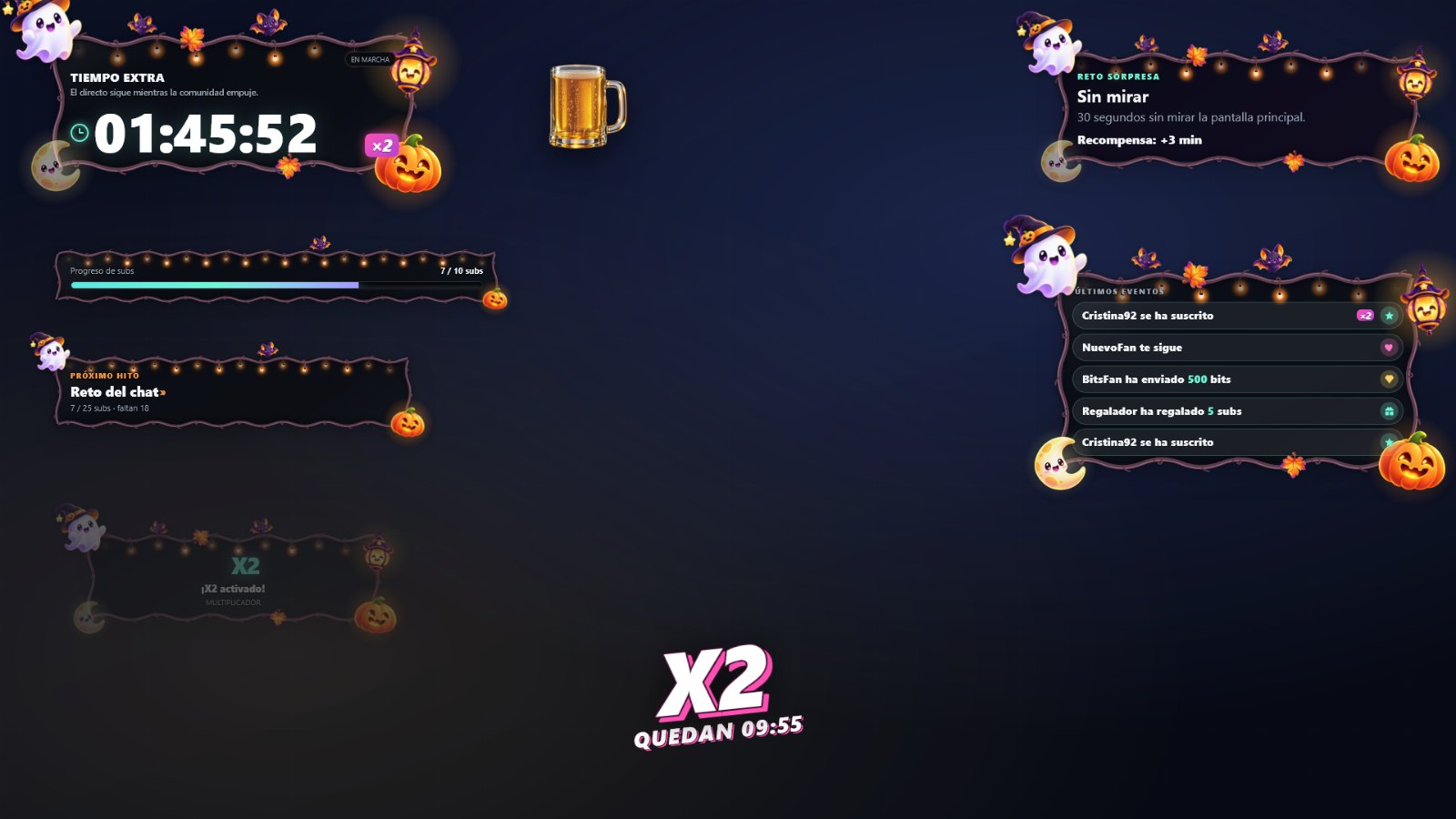
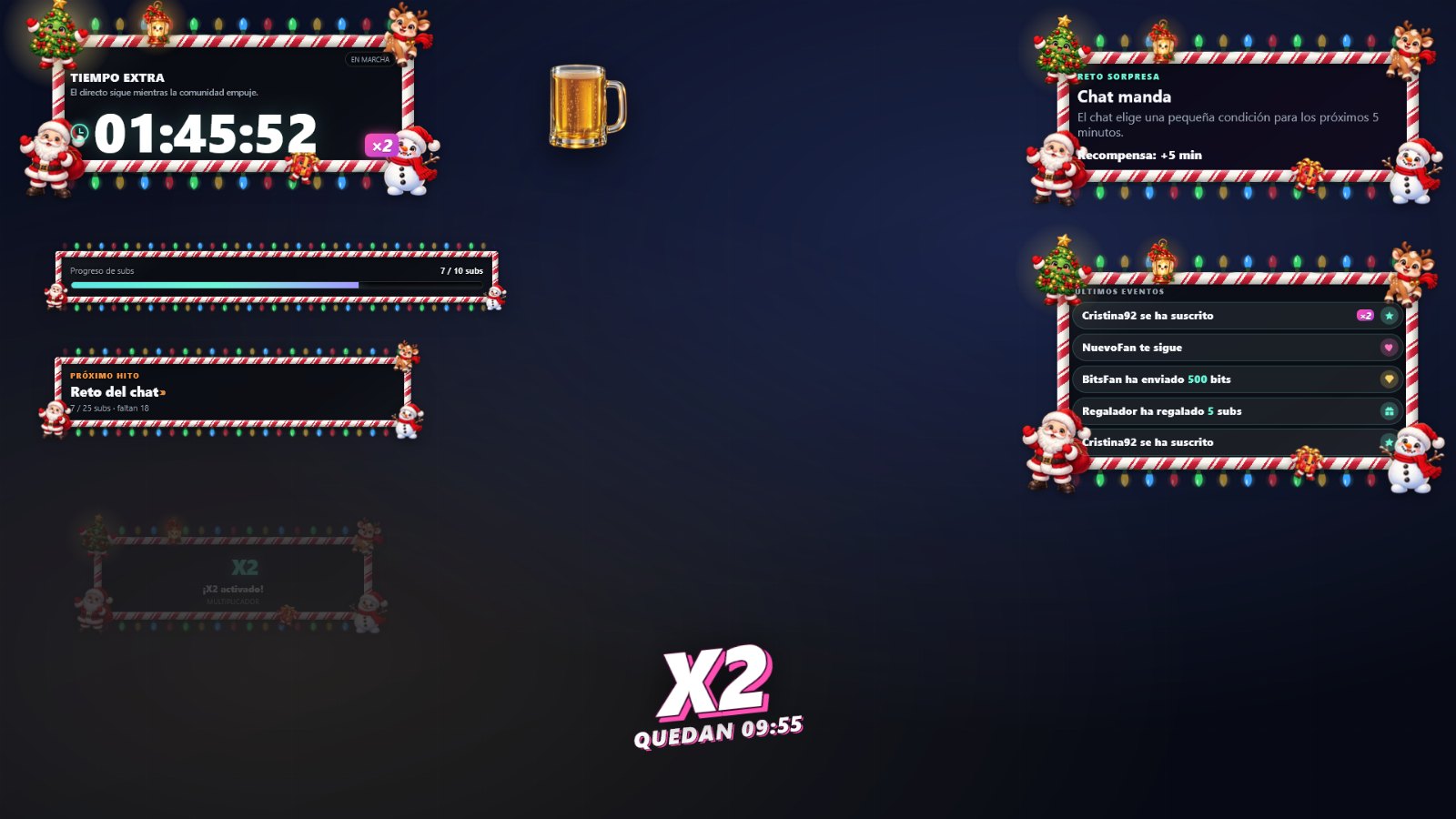
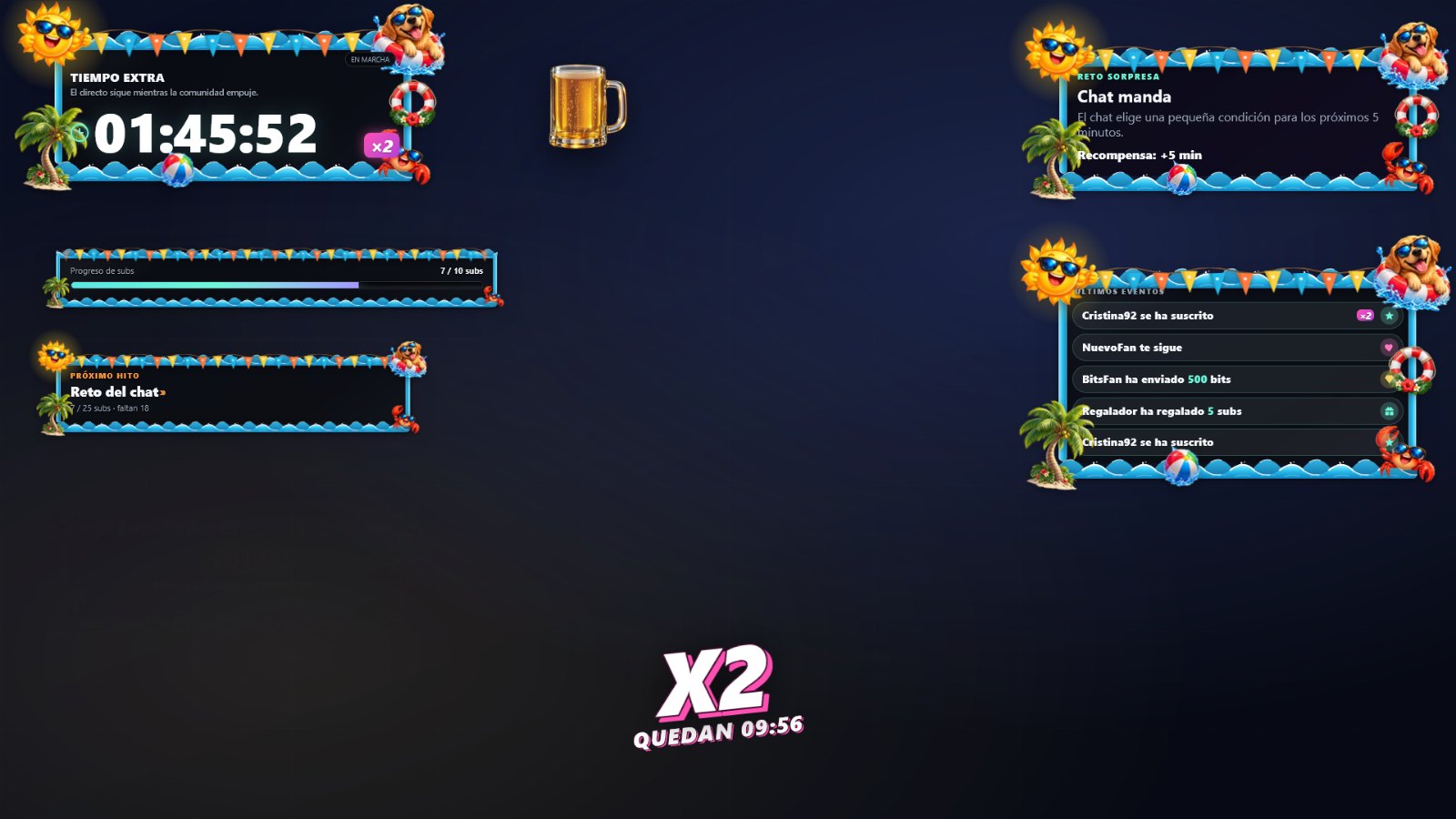
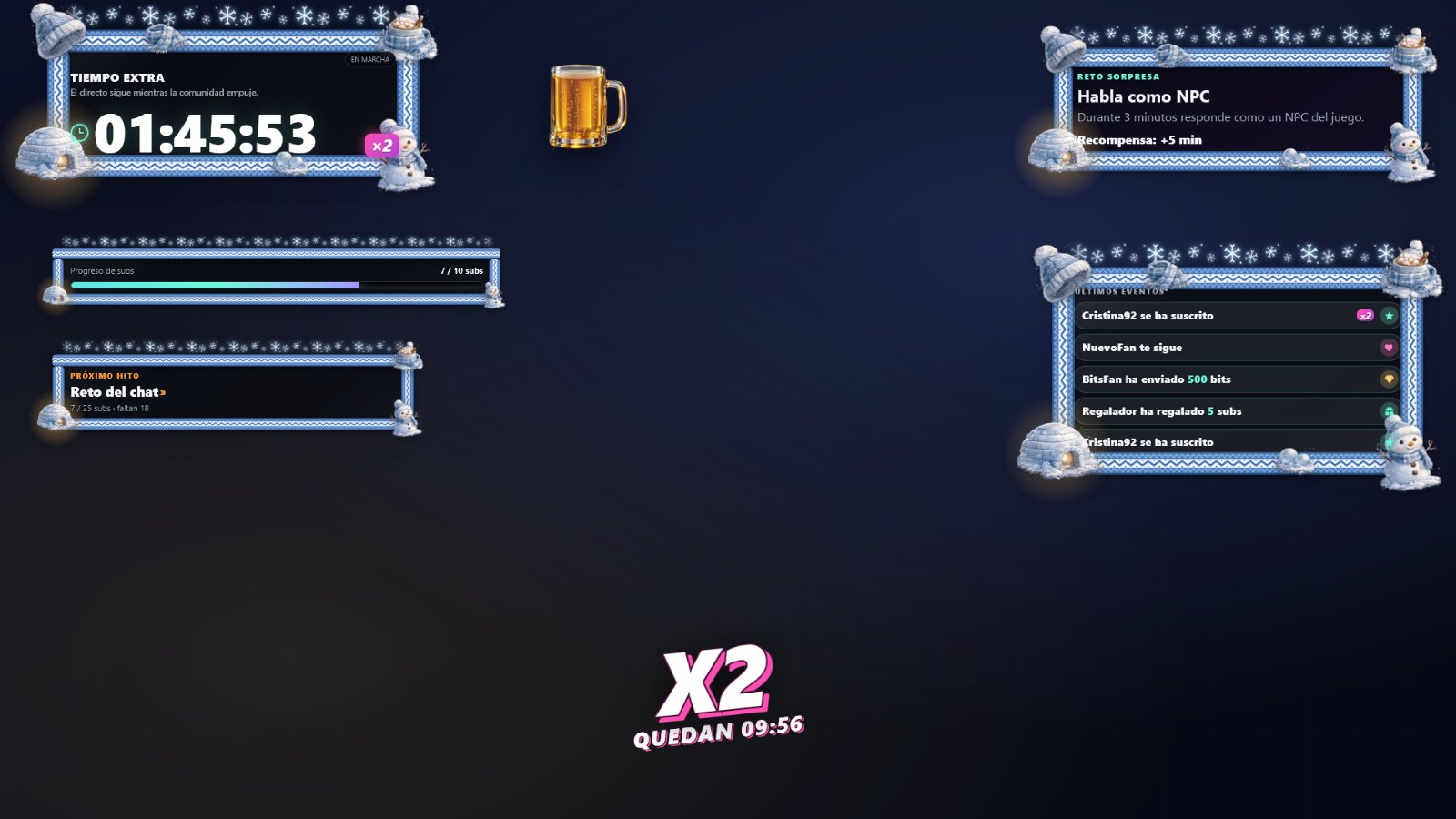
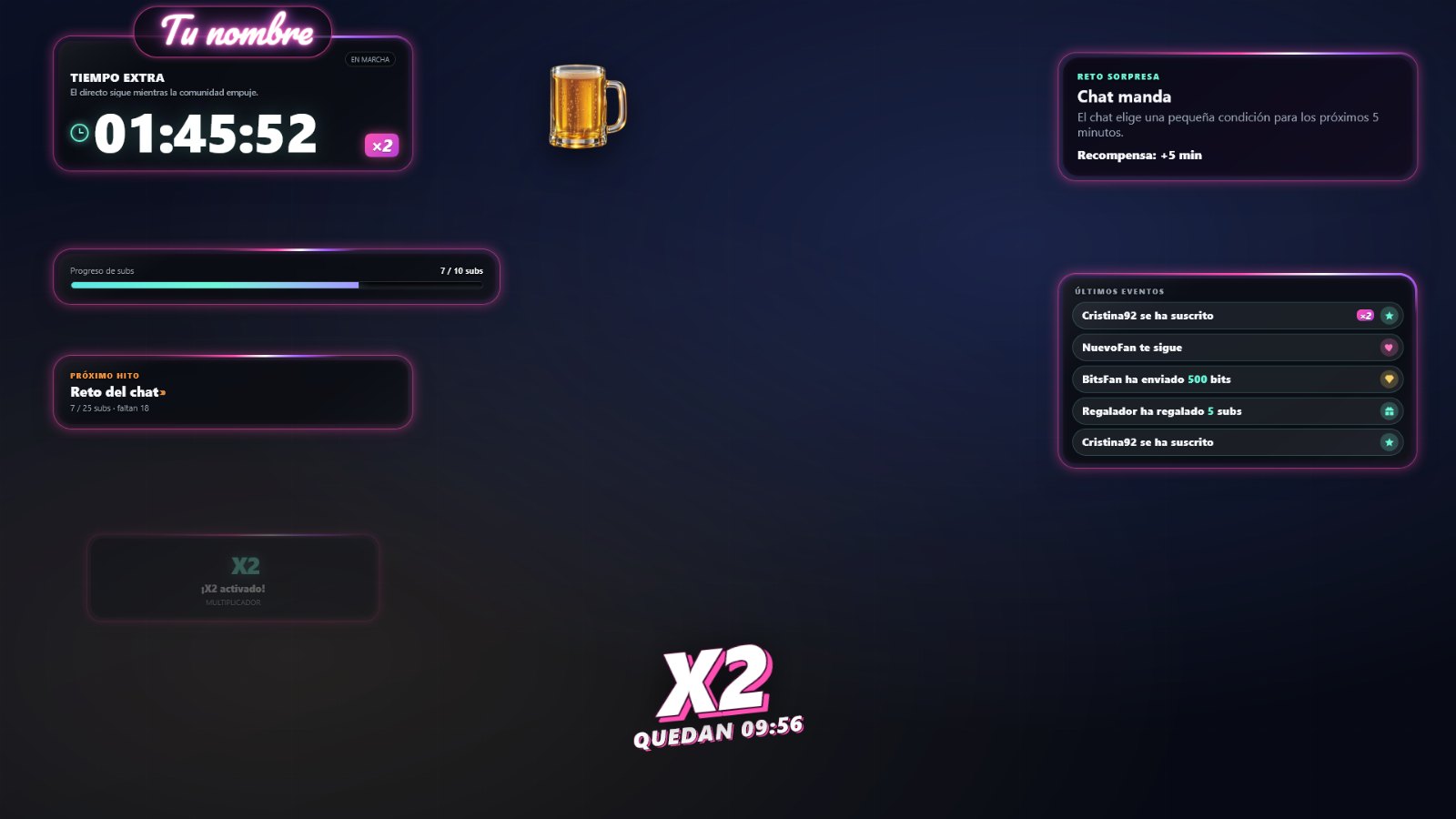 No frame · actual screenshot
In 43 seconds
How your community
adds time.
The timer, the events that extend it, the wheel, challenges, X2 and frames.
A 43-second animated presentation using actual overlay screenshots. Video text is in Spanish; an English transcript is available below.
Read the video transcript
A timer that counts down while you stream, and that your community can extend. Subscriptions, gifts, Bits, KICKs and follows add time; you choose how much. With the demonstrated settings, ten gifted subscriptions spin the wheel and award prizes. Surprise challenges appear every 300 points, or whenever you trigger one. The ×2 multiplier doubles contributions for ten minutes. Choose from eight frames or use none; the background is transparent on stream. Control it with the Windows controller or Stream Deck, and see your changes in OBS straight away. Five languages. €24.90, one-time purchase on Ko-fi.
Try it here
Add some time
yourself.
A session with simulated events: subscriptions, Bits, KICKs, wheel, challenge and X2. It does not connect to any channel or request account details.
Demo room
The timer is already running.
Trigger events as though they came from your chat and watch the timer increase.
Sample names. The full version receives Twitch and Kick events.
Included · controller and Stream Deck
A controller on your second screen.
Your changes appear live.
CJ Streams Control is a Windows application: press a button and the timer responds, without typing in chat or opening OBS. With the controller running, changes to colours, text, frames, rules, goals and module positions in the configurator appear in OBS or Streamlabs within a couple of seconds, without exporting again. Customize every key.
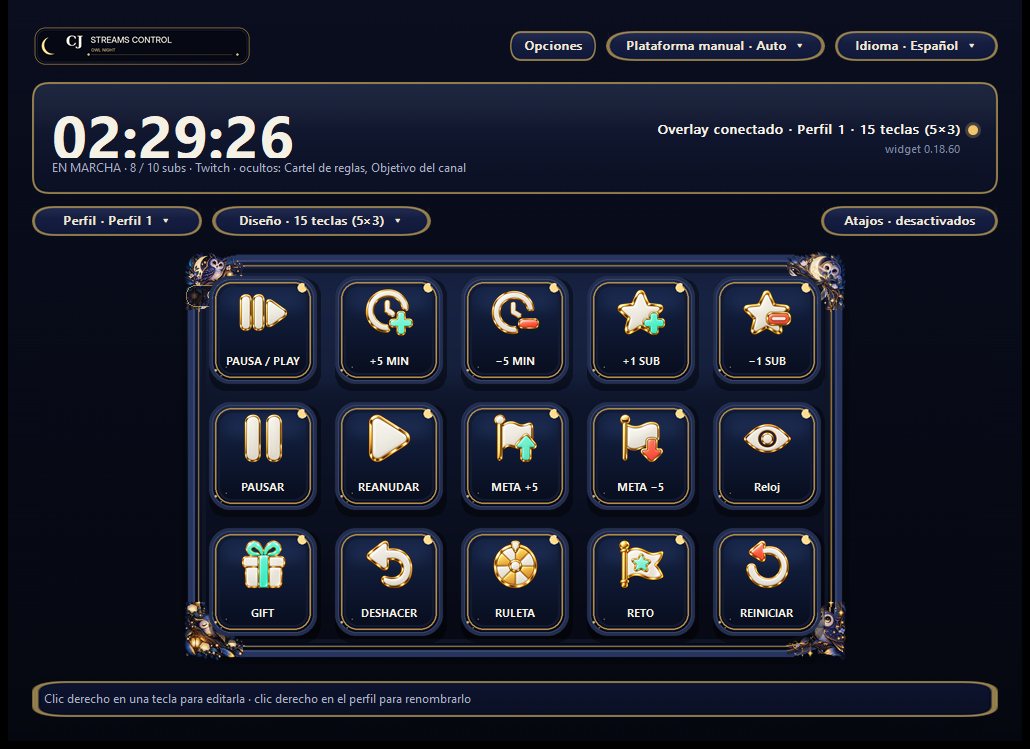
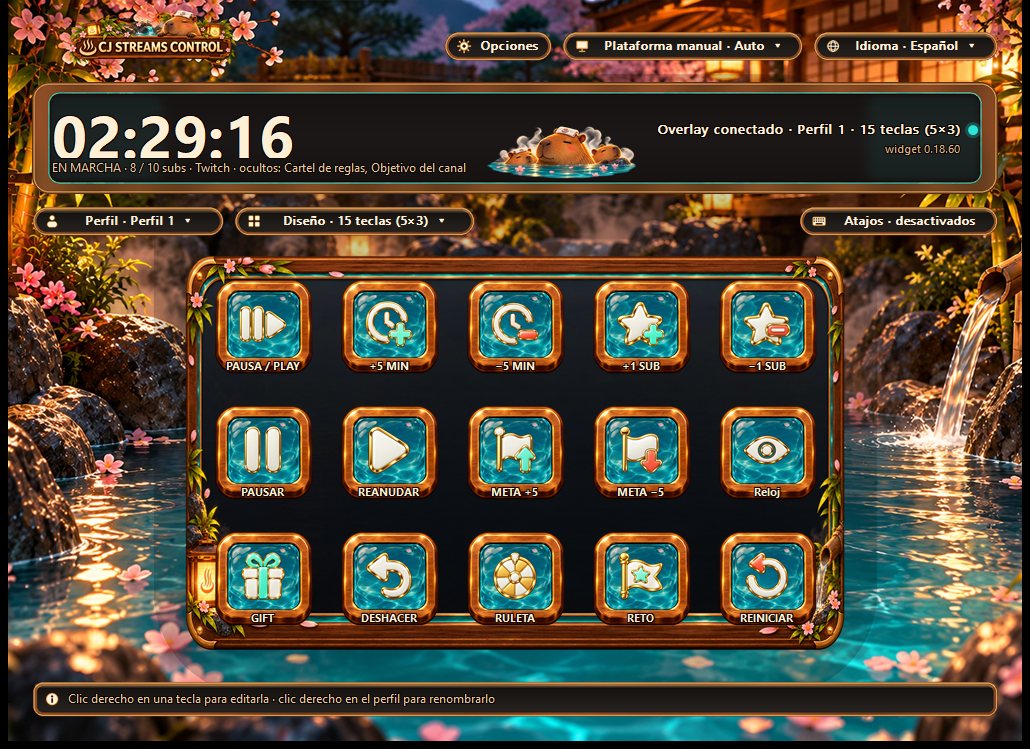
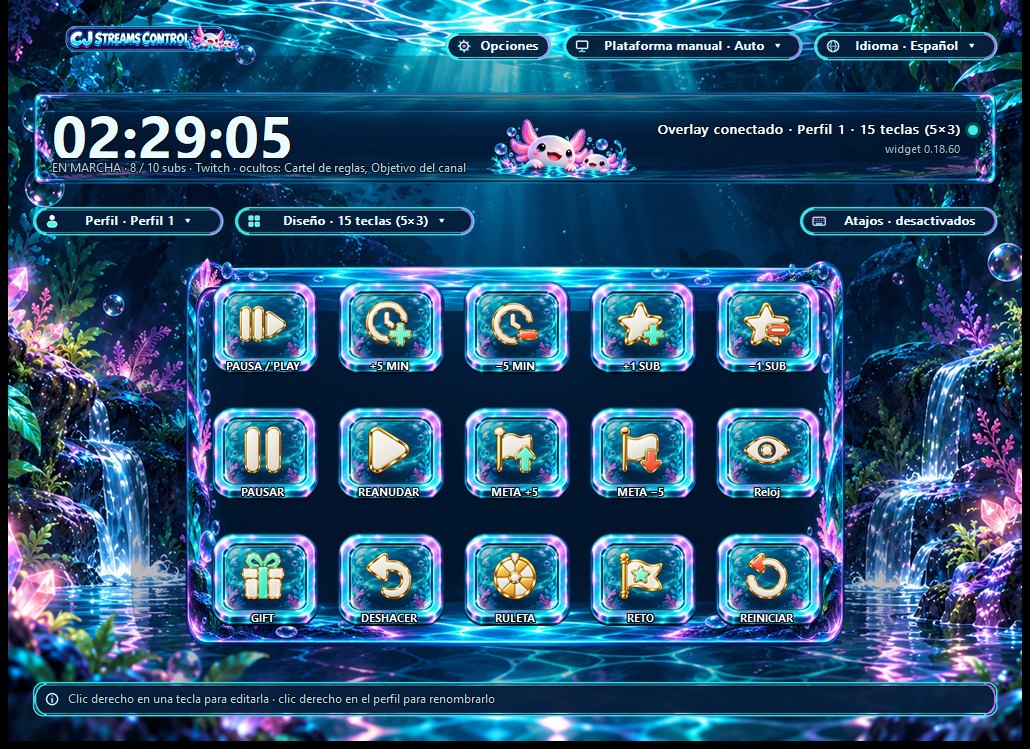
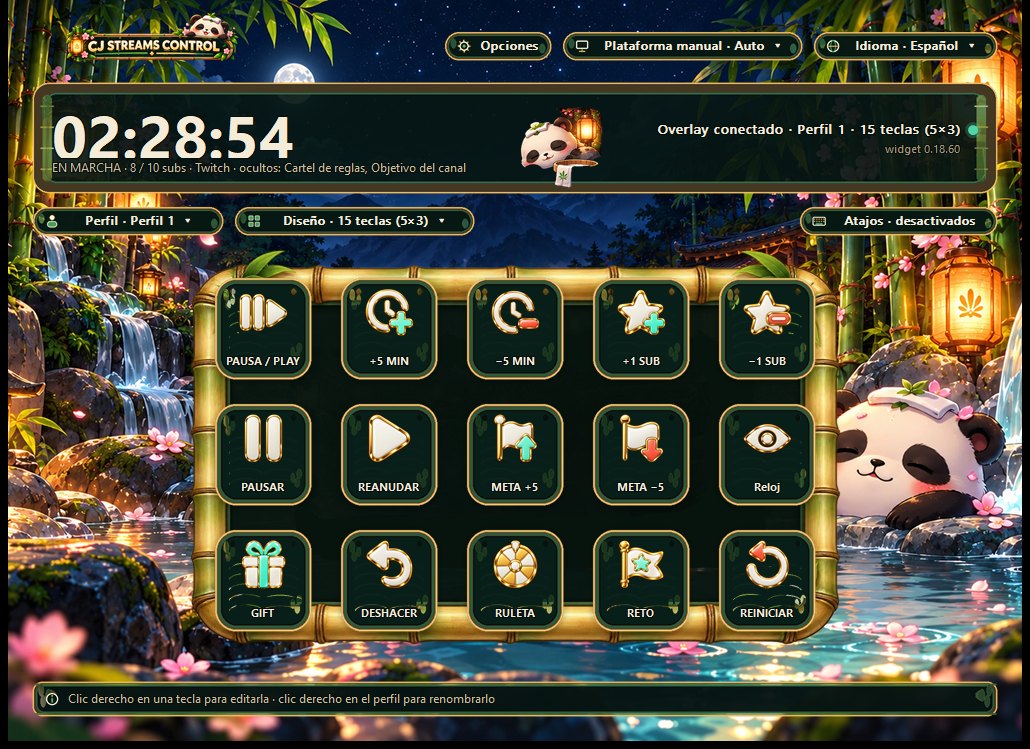
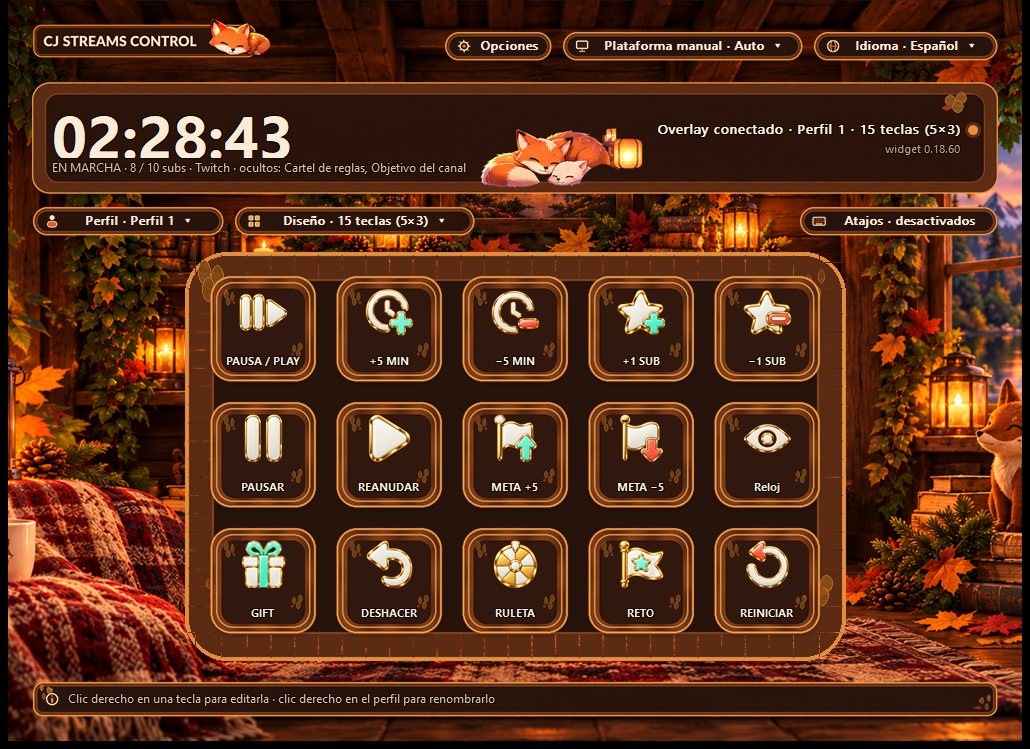
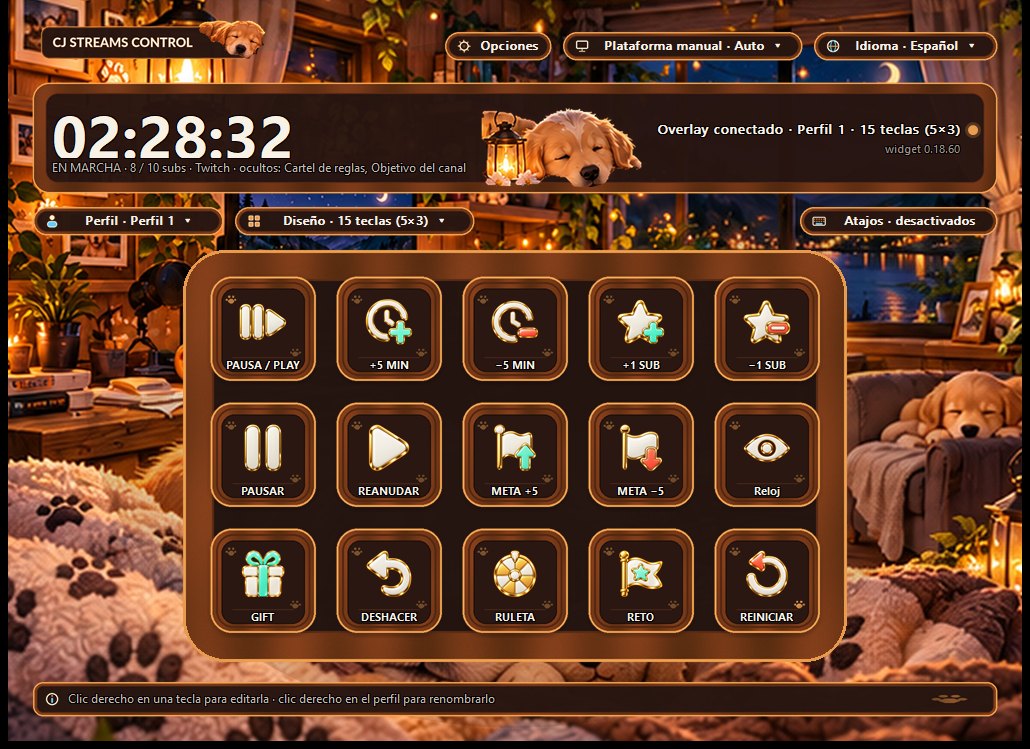
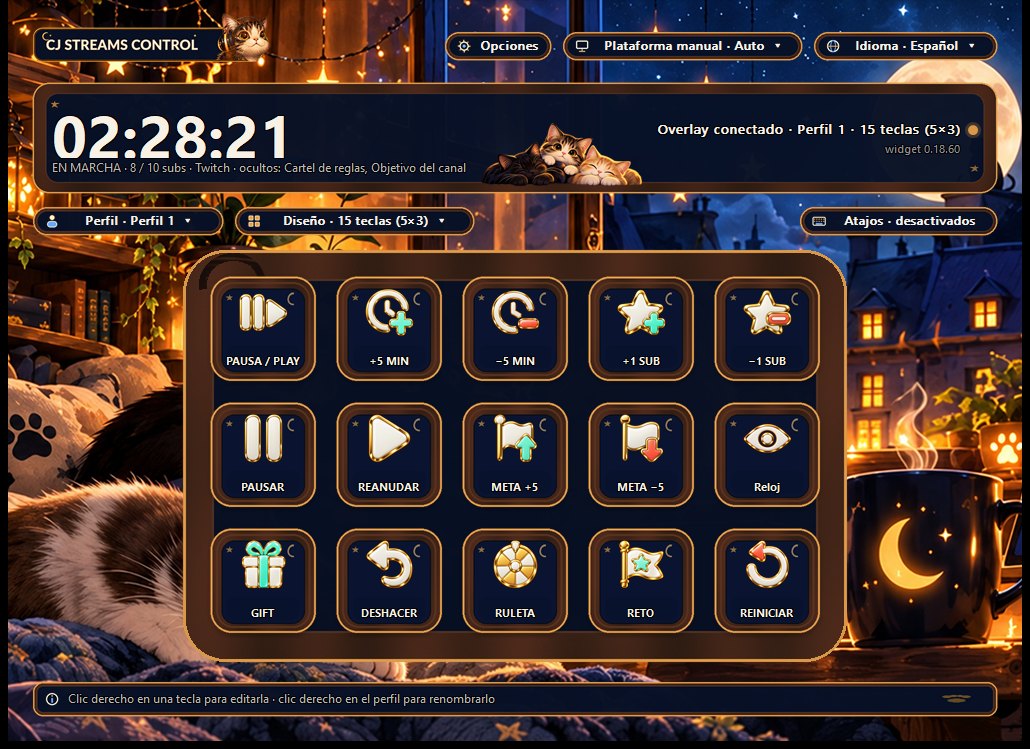
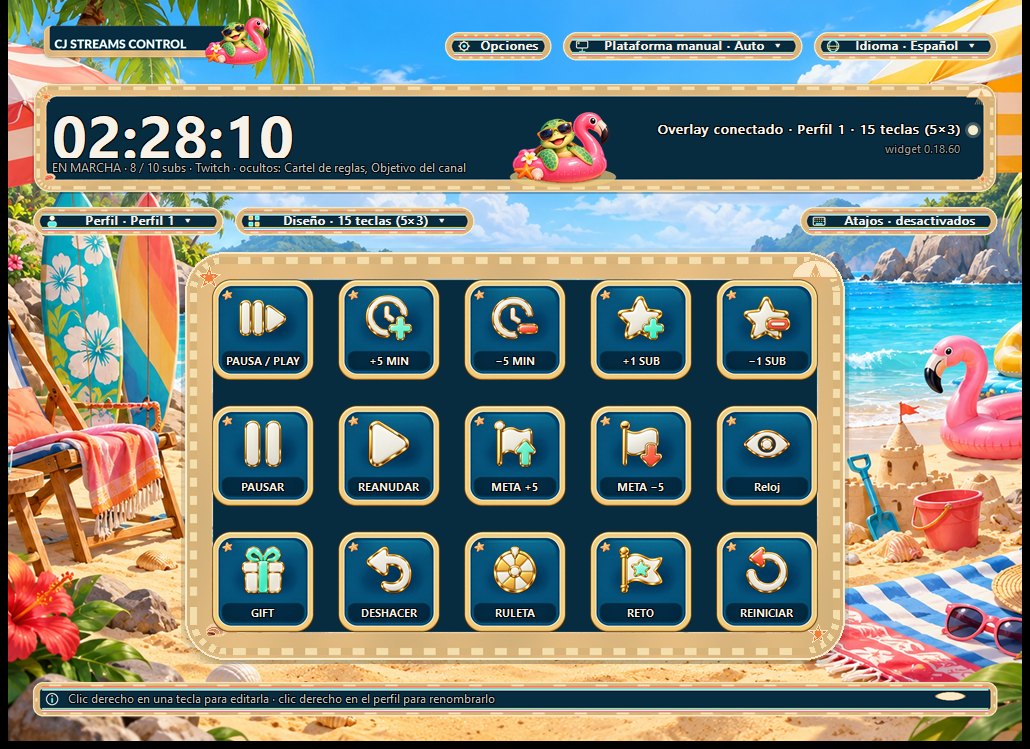
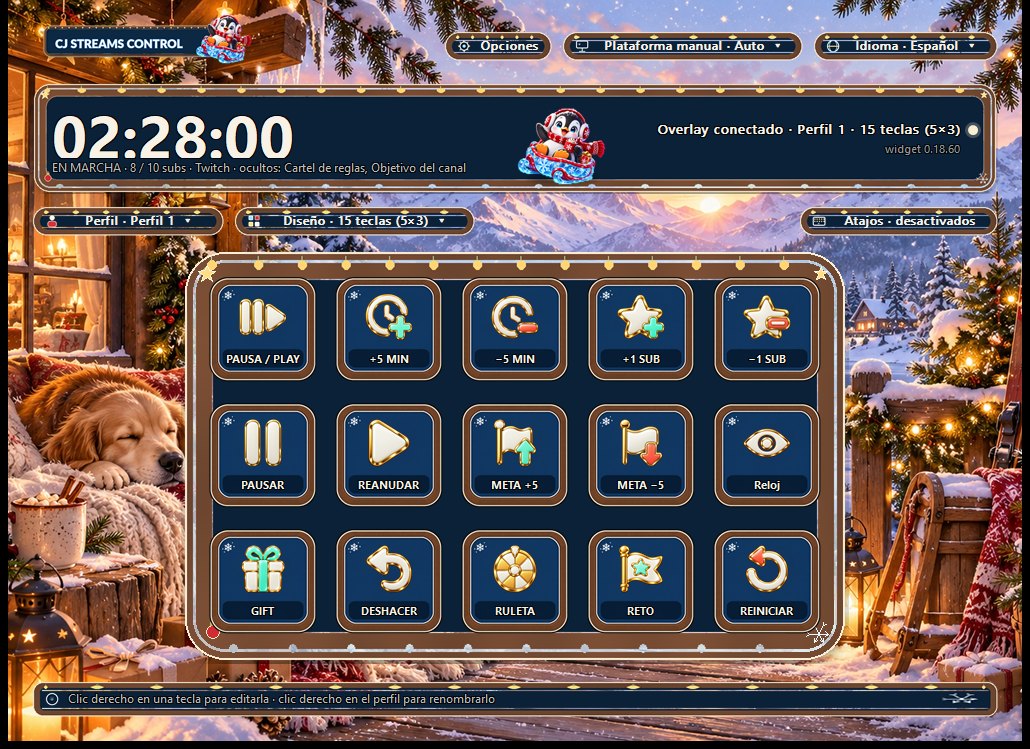 Owl Night
Stream Deck plugin
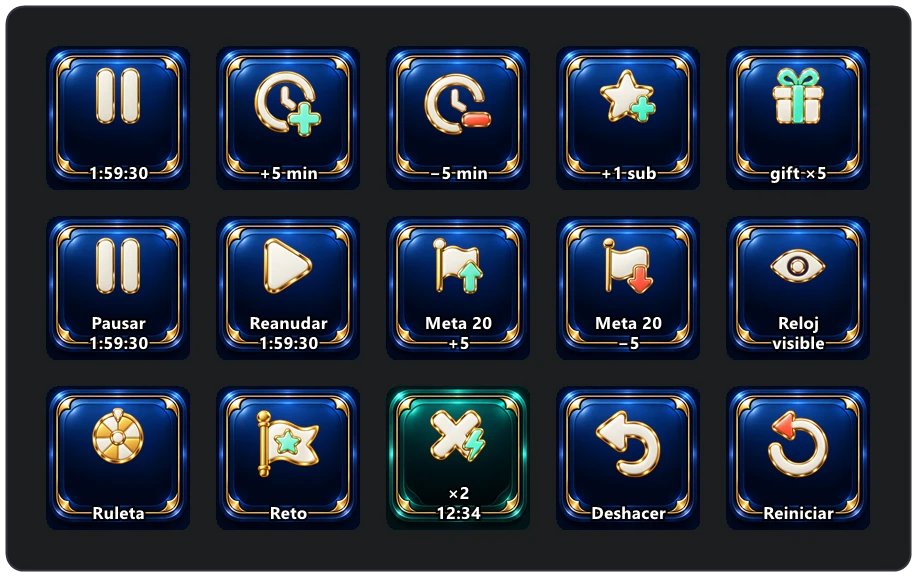
17 actions on physical keys, with live timer feedback.
Pause/play, add or remove time and subscriptions, raise or lower the goal, hide modules, gifts, undo, wheel, challenge, multiplier, Subathon Mode and reset. Keys show the timer and X2 countdown.
Build each key your way
Right-click to choose an action: pause, ±time, ±subscriptions, goal, gift ×1 / ×5 / ×10, wheel, challenge, undo, a ×1.5…×10 multiplier with countdown, or reset with confirmation. Create named profiles and switch between them.
Several actions, one key
Up to eight sequential steps with delays: spin the wheel, trigger a challenge and enable X2 for five minutes with a single press. It can also send keyboard shortcuts such as Ctrl+1 to switch scenes in OBS or Streamlabs.
Trigger it from your game
Assign a keyboard shortcut to a key and use it from any application, including a full-screen game. The Hotkeys control switches all shortcuts off when you need to.
Autoclicker and safeguards
Repeat clicks at the cursor until you stop them. The controller connects to the timer automatically, reports Twitch and Kick status, sends to OBS and Streamlabs together if both are set up, and backs up your settings.
What adds time
Your community keeps going.
So does your timer.
Choose how much each event is worth. The rules sign keeps it visible: 1 SUB = 10 MIN.
Subscriptions, gifts, Bits and follows
Subscription tiers, gifted subscriptions and Bits. Connect your account to count follows.
Subscriptions, gifts, KICKs and follows
Follows can count without connecting an account, without usernames and with a delay of around 20 seconds.
Subathon, stopwatch or no timer
Track subscriptions or combined points for a subathon, count up or down with a stopwatch, or choose No Timer for everyday frames and notices. The Subathon Mode key switches modes live.
X2, X3… up to X10
For a limited time, contributions count by your chosen multiplier. Trigger it from the controller or Stream Deck; a large countdown appears on the overlay.
11 modules
Show, move or hide
each piece. Live.
Arrange everything in a 1920 × 1080 preview. Keep the controller or Stream Deck running to send changes—module position or visibility, colour, frame or rule—to OBS or Streamlabs while you stream.
- 01Main timer — the time remaining.
- 02Progress bar — subscriptions or points towards a goal, with reward goals, secret goals and automatically extending goals.
- 03Next milestone — the next goal and how far away it is.
- 04Event notice — appears for subscriptions, gifts, Bits, KICKs and follows.
- 05Extra Wheel — spins automatically after your chosen number of gifted subscriptions or with
!ruleta; prizes can add minutes. - 06Surprise challenge — Speak like an NPC for three minutes, with a reward in minutes.
- 07Visual meter — an object that empties over time, in seven styles.
- 08Recent events — who contributed and how much.
- 09Rules sign — the value of each event, always visible.
- 10Channel goal — your Kick or Twitch channel goal, such as 68 / 100.
- 11Multiplier — a large X2 while it is active.
- +11 chat commands — for you and your moderators, with editable names.
!tiempo!puntos!subs!pausa!reanudar!reiniciarextra!ruleta!reto!retocompleto!retofallido!deshacerextraMake it yours
Every module,
your way.
Apply a frame, background, font and colours to every module or just one. Each frame remembers its settings. Fonts, frames and sounds are included in the file, so customization works offline.
8 frames, with more to come
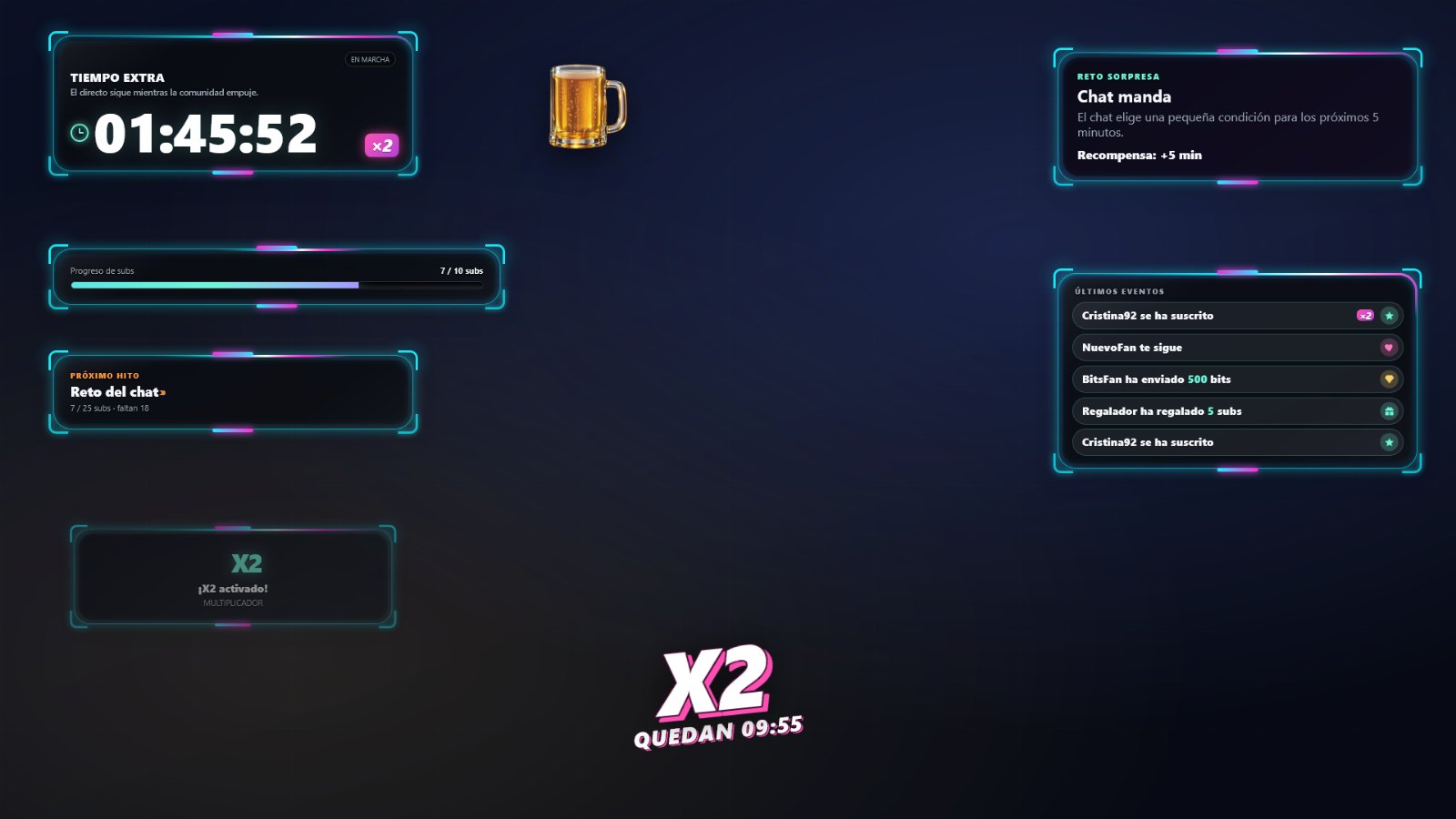
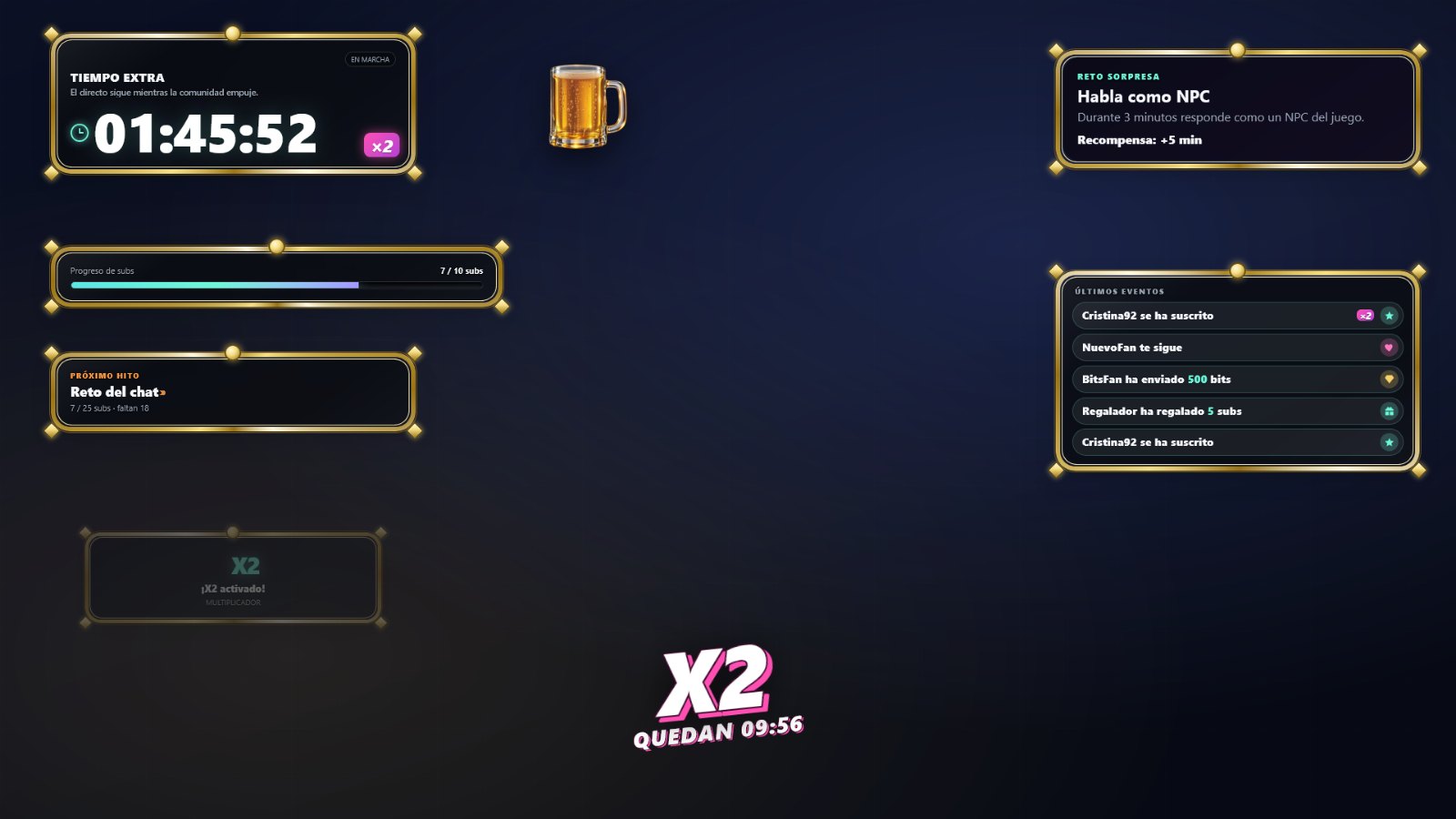
Halloween Garland and Little Ghosts, Christmas Candy Canes, Summer Waves, Winter Knit, Cyber Neon, Royal Gold and a Name Sign with your channel name. Choose their colours, characters, borders, sizes, lights and facing direction.
13 patterns or your own image
Dots, grids, hexagons, stars, hearts, paw prints, circuits, confetti and more, using your accent colour. Or upload your own image: it is embedded in the file, with your chosen fit and opacity.
27 typefaces and custom colours
20 included fonts plus Windows fonts. Use an accent colour or separate colours and opacity for the background, main text and secondary text. Choose a roomy or compact layout.
7 meters, 15 sounds
Bar, beer glass, battery, energy/HP, magic orb, candle or hourglass. Choose a sound for each event type or use your own.
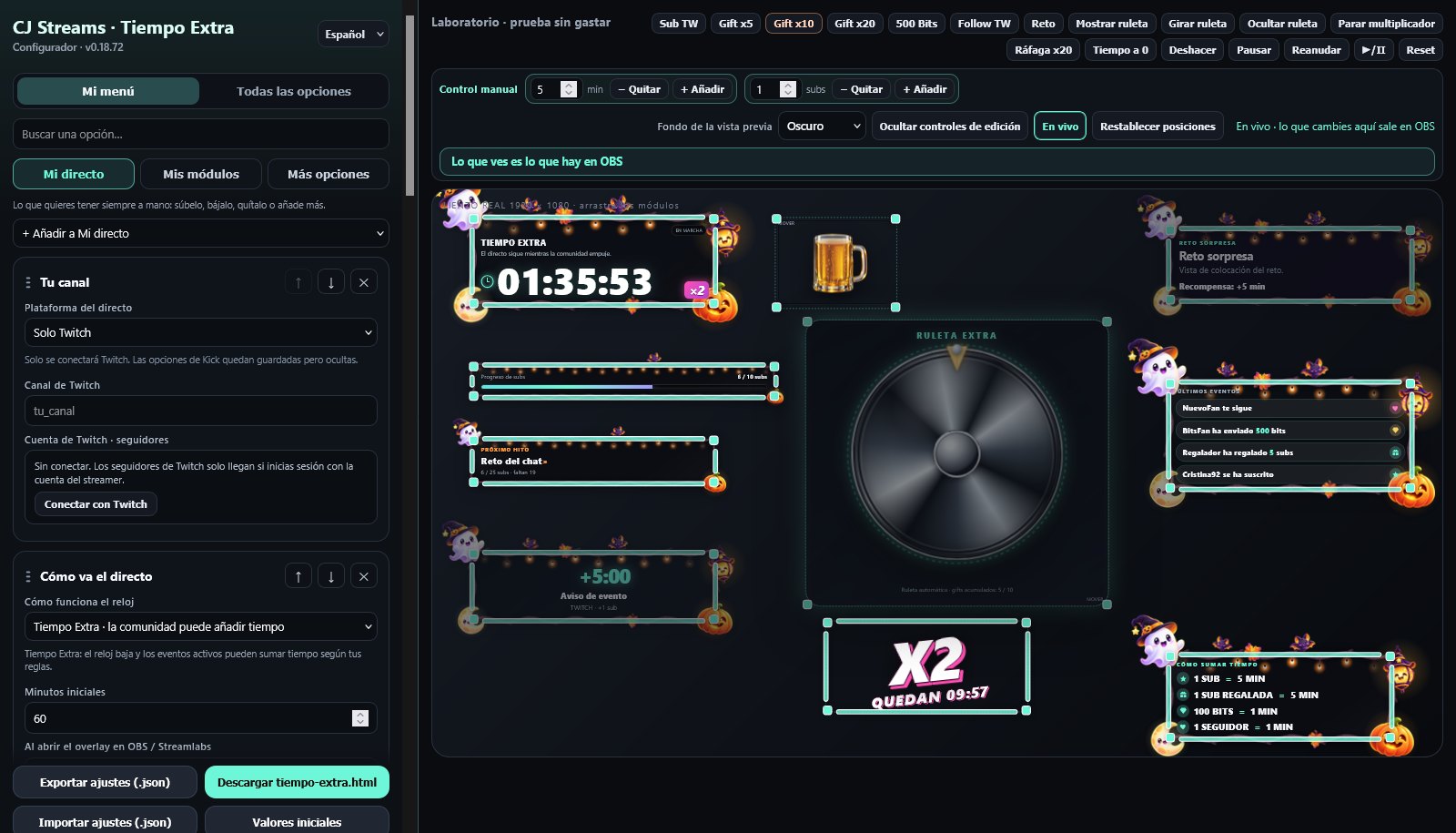
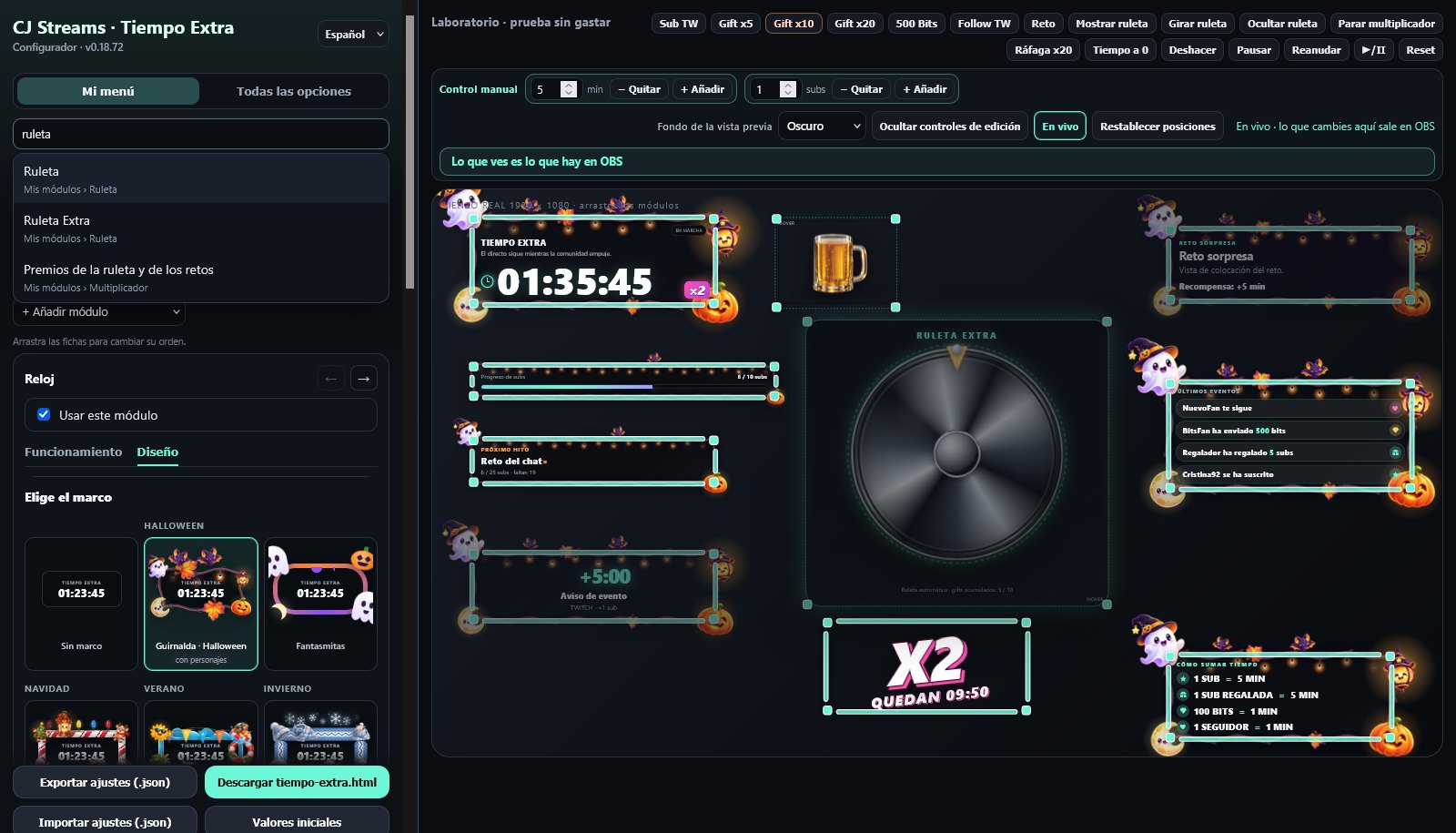
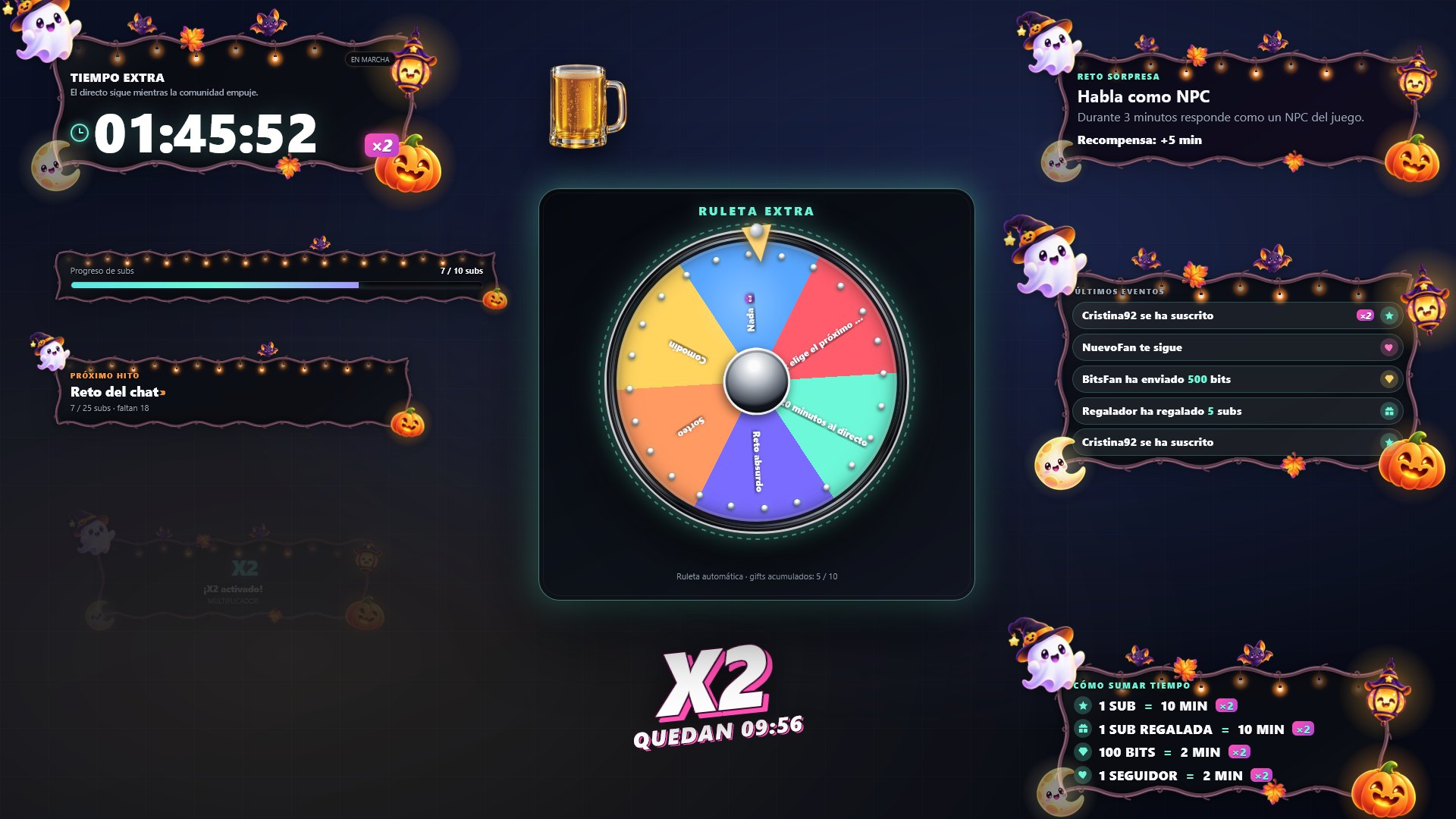
The complete scene with a spinning wheel, without a frame and with each of the eight frames, using factory settings. The frames animate on stream. Name Sign displays your channel name.
5 languages
Spanish, English, Chinese,
Hindi and Japanese.
The controller opens in your Windows language and the configurator in your browser language. Kick connection pages and manuals are available in all five.
Privacy
No passwords.
No customer accounts.
It never requests your password or stream key. There are no customer accounts or analytics. It runs from a file saved on your computer. Only the Kick account connection passes through the CJ Streams server; Twitch connects directly.
Before you buy
Make it fit
your livestream.
Check what you need before paying.
Twitch and Kick, even together
YouTube is not supported. Chat and event connections require internet access and depend on each service.
The controller and plugin require Windows
Use the overlay and configurator with OBS Studio or Streamlabs Desktop; the controller and Stream Deck plugin require Windows 10 or 11.
No donations or leaderboards
It does not collect donations from Ko-fi, Streamlabs, StreamElements or other services, or generate contribution rankings or end credits. With the controller or Stream Deck running, changes synchronize with OBS; otherwise, export the file again. Your timer is preserved.